Explore LG CreateBoard® Industries








CreateBoard Core
For universities and colleges prioritizing customizable IT infrastructure and specific security requirements, the LG CreateBoard Core offers an exceptional interactive display solution. This versatile interactive whiteboard allows institutions to seamlessly integrate the 4K UHD IPS display with their existing operating systems and content management systems, including LG Chromebox or Windows OS OPS.

CreateBoard® for Higher Education
LG CreateBoard is a perfect fit for Higher Ed environments from lecture rooms, common areas, labs and meeting rooms and more. Our interactive display boards tout a flexible and agnostic OS environment that allow you to work seamlessly throughout the day. Create, Meet, and Manage with the LG CreateBoard.


Easy Meetings
CreateBoard makes meetings easy with a flexible OS solution that works with what you already have. Use DisplayNote Launcher for a fast and secure meeting. Go cable-free with CreateBoard Share or connect any device with Type C USB.
Easy Sharing. Both Ways.
LG CreateBoard Share enables users to show up to 9 shared screens or a file on a screen in real-time when the LG CreateBoard Share app is installed on the device. Also, files from the host can be easily sent to any devices connected to the LG CreateBoard Share app, and several quick controls by the host are available.
Built-in Collaboration Software
This CreateBoard has a native tool box directly available regardless of what app you are using, so that you can screenshare, annotate, use timers and more. Use whiteboarding software for lectures or class discussions.
Remote-Control Services
LG ConnectedCare DMS with CAP (Common Alerting Protocol) is a cloud solution for remotely monitoring, controlling, and managing the status of your boards installed in educational environments. This feature enables IT managers to operate and manage important resources on operating devices without physically visiting sites.


Easy Meetings
CreateBoard Pro has quad speakers and a microphone array to make meetings faster without needing to connect a new device. Use DisplayNote Launcher for a fast and secure meeting. Go cable-free with LG Share or connect any device with Type C USB.
Collaborate
Higher education institutions can revolutionize teaching and learning by leveraging the LG CreateBoard Pro’s integrated collaboration. These powerful tools empower professors, lecturers, and researchers to foster dynamic learning environments and promote student engagement by enabling real-time brainstorming, collaborative problem-solving, and interactive presentations.
Communicate
CreateBoard has a native tool box directly available regardless of what app you are using, so that you can screenshare, annotate, use timers and more. Use whiteboarding software for lectures or class discussions.


Back to Basics
Experience the full power of an interactive display tailored to your organization's unique requirements with LG CreateBoard Core. This innovative solution is ideal for campuses with stringent IT, security, or safety protocols, allowing seamless integration with your existing content management and operating systems.
Simple Annotation Tools
Experience a lifelike touch experience and crystal-clear visuals with LG CreateBoard, a 4K resolution interactive whiteboard designed for dynamic collaboration and impactful presentations. Write, draw, zoom, and rotate with precision using just your fingers, thanks to advanced multi-touch technology. This makes the LG CreateBoard an exceptional tool for both creative projects and engaging presentations, ensuring every detail is rendered with stunning clarity and vibrant colors.
Multi-Touch
LG CreateBoard Core boasts a multi-touch functionality that can concurrently detect up to 40 touch points. This feature facilitates simultaneous touch and gesture inputs from multiple users, fostering easy collaboration and idea sharing among team members. This enables efficient interaction in group activities or meetings.
Easy Screen Sharing Options
LG CreateBoard Share offers a wireless screen sharing feature, providing users with a flexible discussion environment. Users can share their screen from their own PC, tablet, or smartphone, simplifying the process of sharing and collaborating on team projects or presentation materials.
Create. Meet. Manage.
When used in higher education, LG CreateBoard empowers instructors to create dynamic content, lead seamless meetings, and manage environments with ease. From intuitive tools and flexible connectivity to secure collaboration and centralized control, it supports a more connected campus experience.
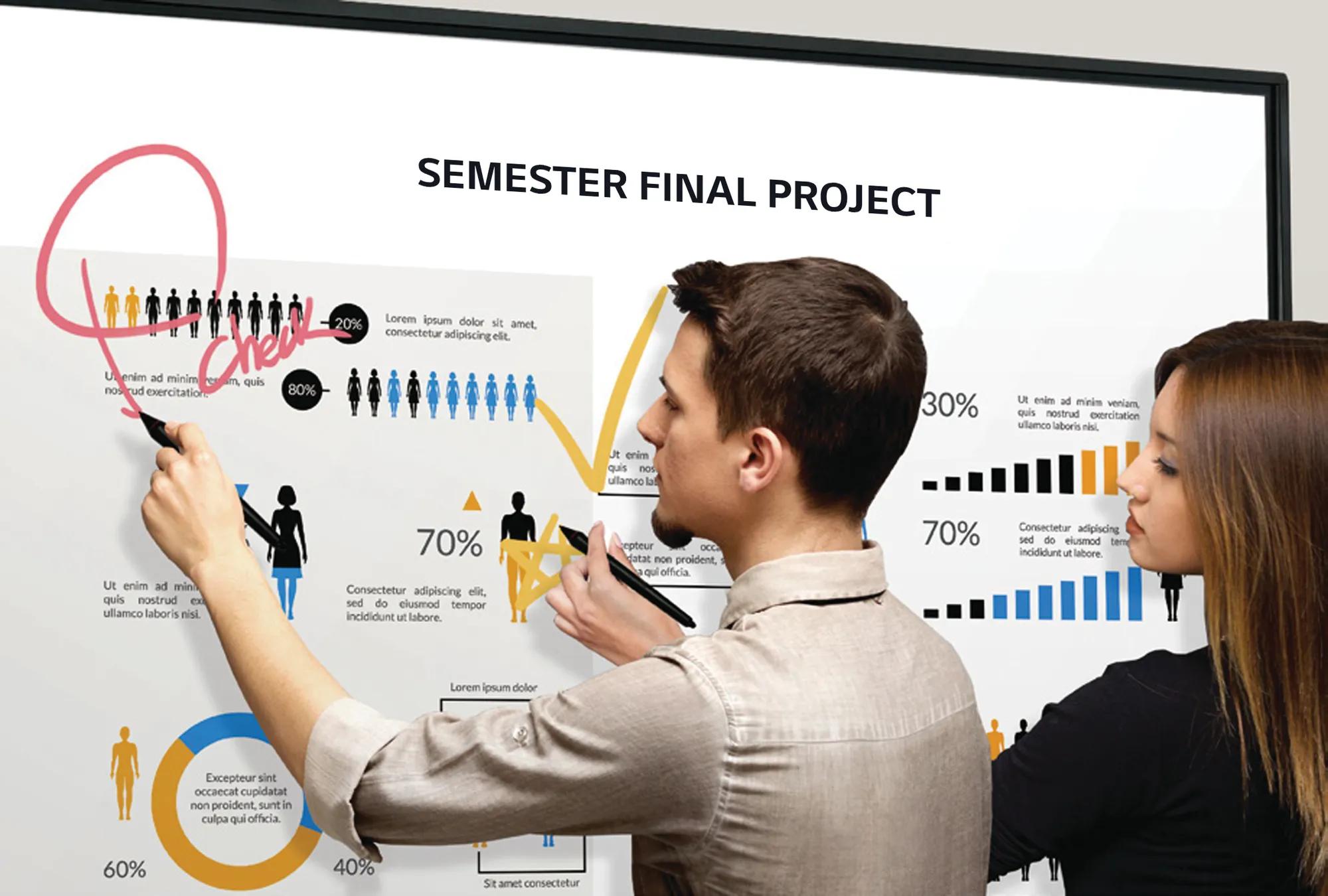
Create.
- CreateBoard Prep Interactive Learning Software
- Annotate over anything with Teacher Tool Kit
- Use preferred tools via Google Playstore
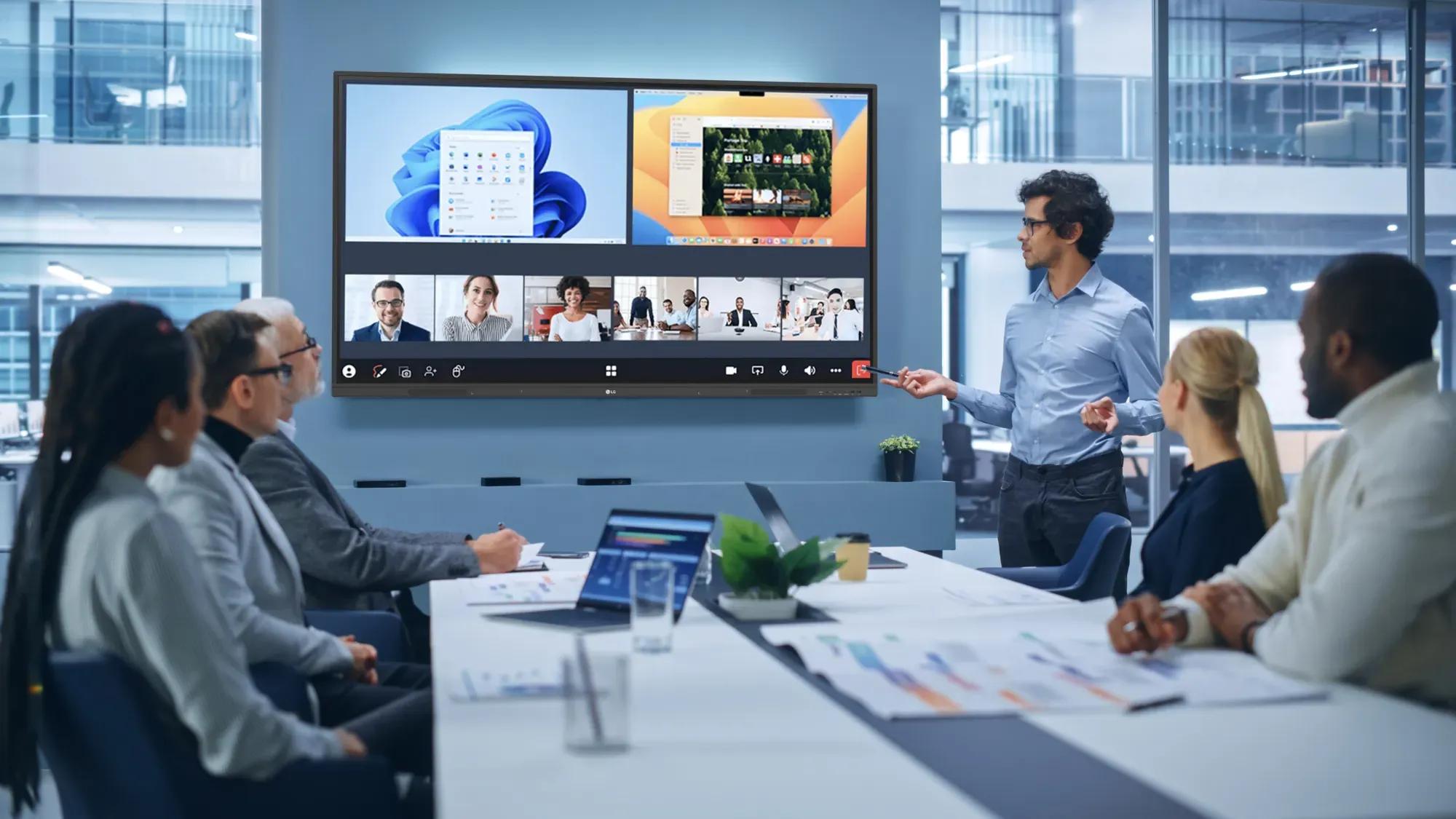
Meet.
- Flexible OS that works with what you already have
- Use DisplayNote Launcher for a fast & secure meeting
- Go cable-free with CreateBoard Share or connect with USB-C
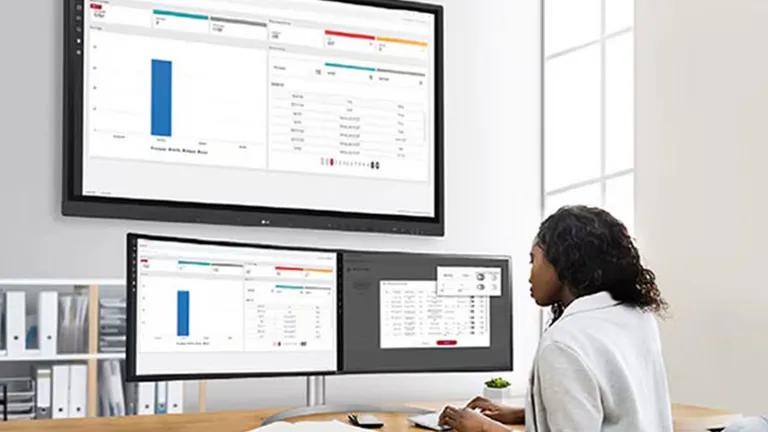
Manage.
- LG ConnectedCare DMS with CAP (Common Alerting Protocol)
- Alert messaging & broadcasting
- Remote scheduling & control
Special programs for education
Want to help transform the future of learning? Join one of our special programs to make your mark with LG Education Solutions.

LG Educators

LG Schools

LG Education Advisory Board

CreateBoard Partners
Check out LG's partners that help make the CreateBoard the best tool for educators.
All image simulations are for illustration purposes only.
Must be registered and logged in to MyLG Business account for all deals, promotions, and sales to be valid.
© Copyright 2026 ©LG Electronics USA, Inc. All rights reserved. LG and the LG logo are registered trademarks of LG Corp. All other trademarks are the property of their respective owners. Prices, promotions, and availability may vary by dealer. The information contained herein is subject to change without notice.
- Products
 Copyright © 2009-2026 LG Electronics. All Rights Reserved